
Pocket Golf
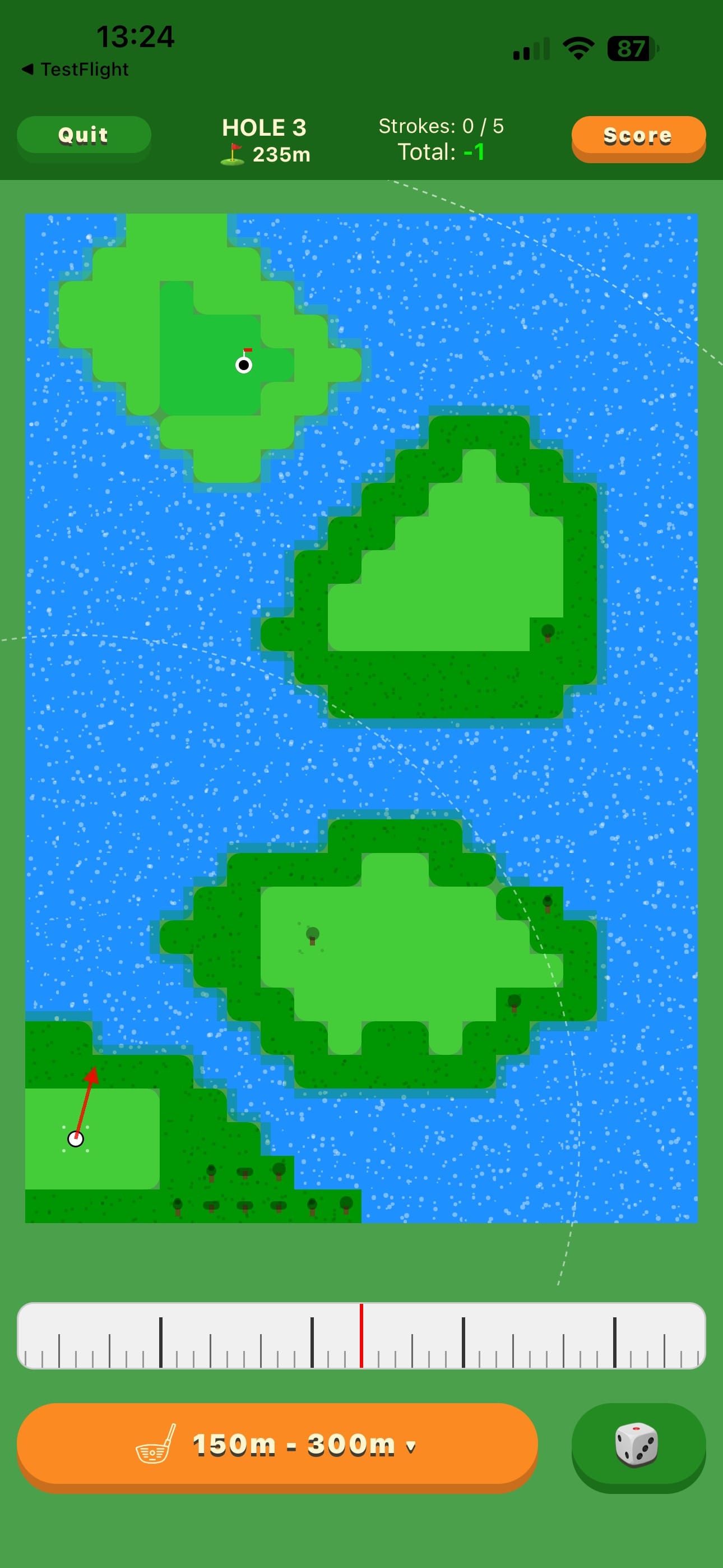
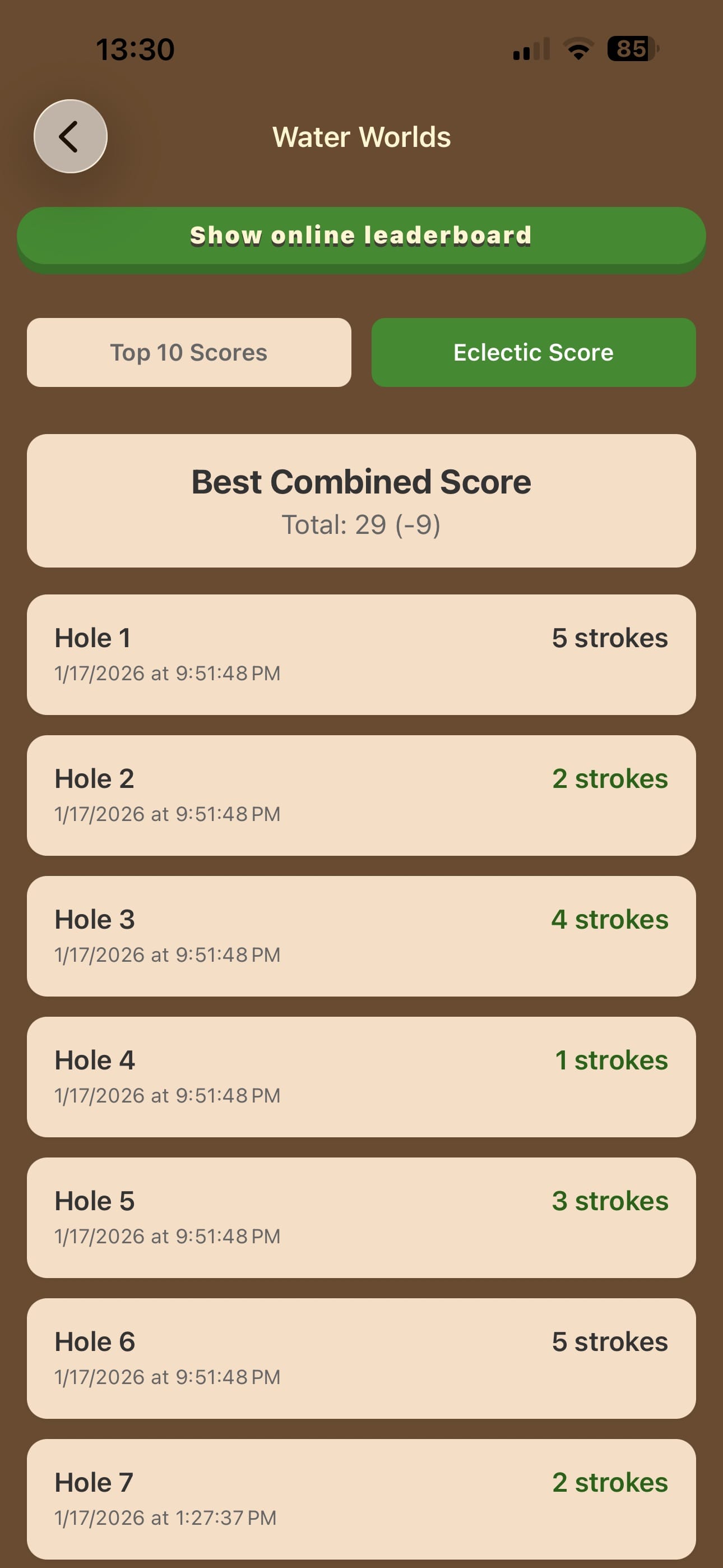
Pick your club, pull back to set the power, shape the shot — and watch it play out across a hand-drawn course. Hit fairways, avoid rough, trees, sand and water, and finish each hole under par. Play on your own, beside a buddy with a real handicap, or head to head with a friend.
Try Hole of the Day for free
One hole, the same one for every player in the world today. Scan the code with your iPhone's camera and you are on the tee in seconds — nothing to install, no account. It is the real game, not a demo of it.
Reading this on your iPhone? Tap the button instead of scanning.
 Scan with your iPhone
Why you'll like it
Driver to putter, classic scoring, and the pressure of staying under par.
Club, line and power are yours to choose — one skill die, read off a bar you stop yourself, decides how cleanly you strike it.
Quick holes, different outcomes, and that “just one more hole” feeling.
How to play
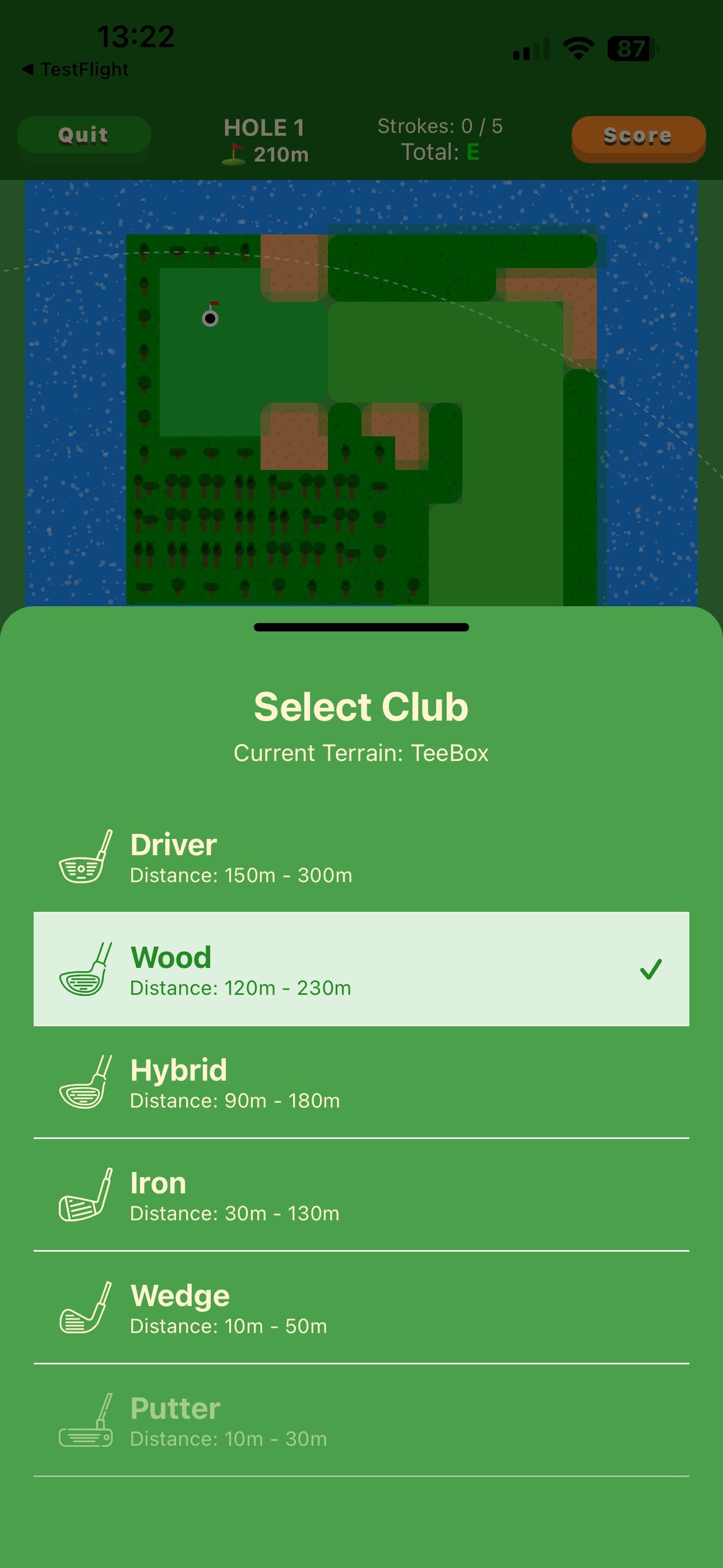
Select a club
Choose Driver, Wood, Hybrid, Iron, Wedge, or Putter for the distance, the lie, and the wind.
Aim and set the power
Pull back from where you want the ball to go — the further you pull, the harder the shot. Call for a draw or a fade to bend it round trouble.
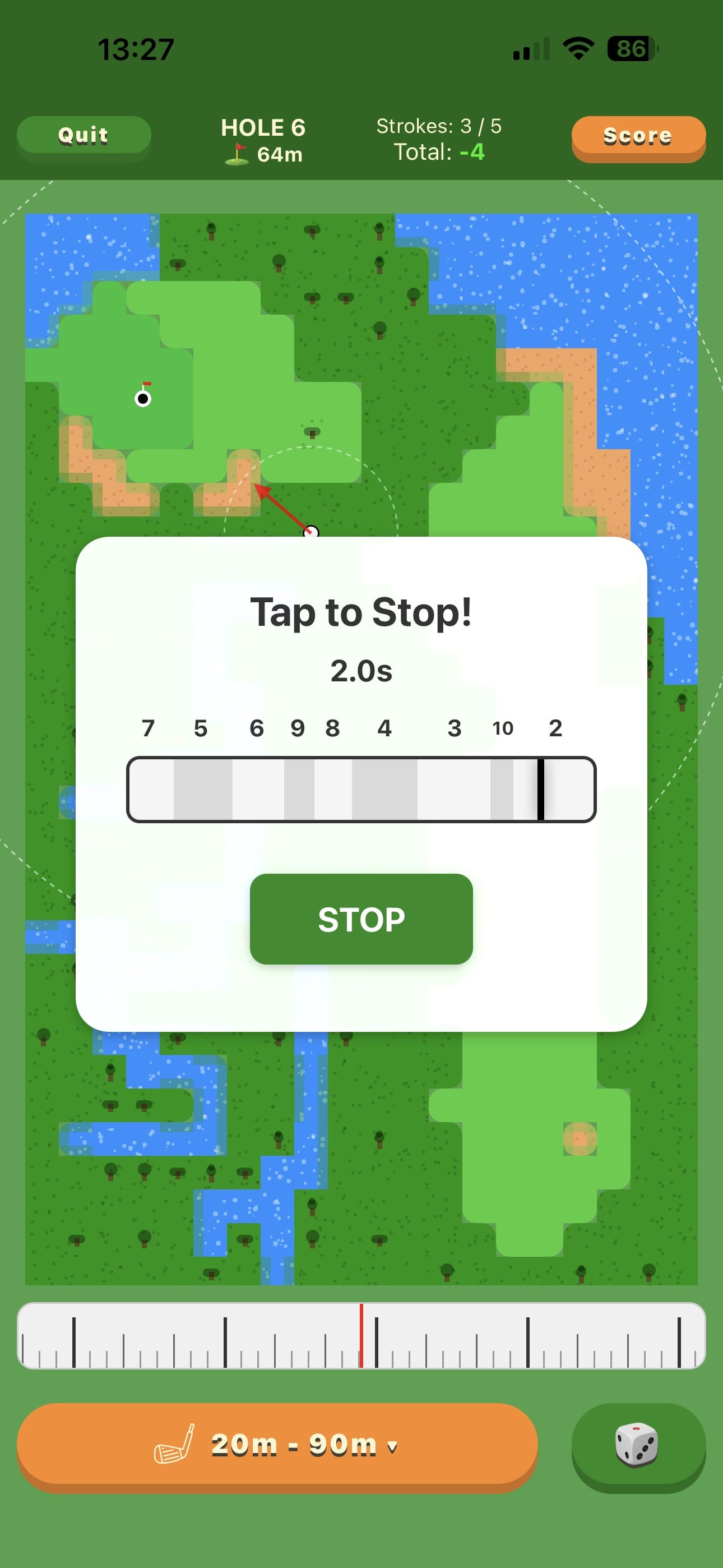
Stop the skill dice
A shuffled, colour-coded bar sweeps past; where you stop it decides how clean the strike is — and with it the distance and the line.
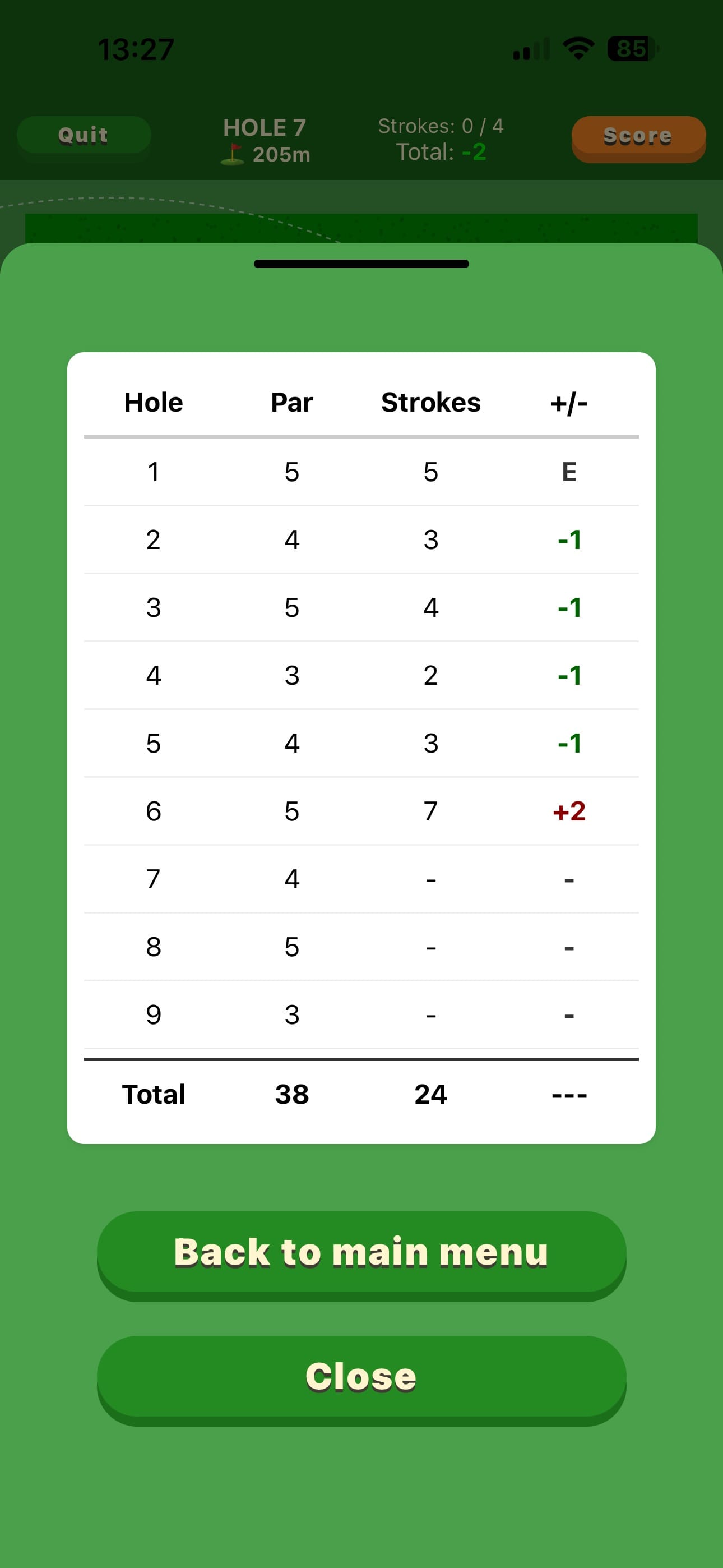
Finish under par
Get the ball in the cup within the target number of strokes — scoring is like real golf, and so is the handicap you earn from it.
Build your own course
The course editor runs in your browser — free, nothing to install, and best on a computer with a mouse or
trackpad. Draw a course hole by hole, save it as a .pocketgolf file, and play it in the game.
Start a course
A new course opens with nine empty holes. Under Course Properties, give it an ID, a name and a description. Each hole has a tab above the grid; + Add Hole and Delete Hole change how many there are.
Paint the hole
Pick a tile from the palette — fairway, rough, sand, water, green, trees — and click or drag on the grid to paint. Select fills a rectangle and Flood Fill a whole connected area. Every hole needs one tee and one cup; then set its par under Hole Properties.
Add hills, wind and pins
Switch from Tiles to Ground height to raise and lower the land — Hill/Dig sculpts a smooth rise or dip, and the green breaks the way the ground falls. Pins marks extra cups on the green, and the game picks one each round. Wind speed and direction are set for the whole course.
Check it and save
Course Problems lists anything the game would refuse or misplay, such as a hole with
no cup. Your work is kept in the browser as you go; Save downloads the course as a
.pocketgolf file, and Load opens one again.
Play it
In Pocket Golf, open Settings, then Manage courses, and tap Import Course to pick the file — or drop it into the Pocket Golf folder in iCloud Drive and it appears on all your devices. Your course lands on the Custom shelf of the course picker.
Screenshots